
When You Need the Whole Machine
A dedicated server is real physical hardware, allocated to you alone. No hypervisor, no other tenants, and no possibility of a neighbour affecting anything — the whole machine is yours, including its disks and its network port.
That answers a different question from a large VPS. Choose dedicated when you need guaranteed hardware for compliance or licensing reasons, when you are running something that genuinely uses a full machine, or when single-tenancy is itself the requirement.
One honest limitation: because it is physical hardware rather than a virtual machine, a dedicated server cannot be resized. Moving to a larger one means deploying it and migrating across, so it is worth sizing with a little room from the start. Provisioning takes longer than a VPS for the same reason — a real machine has to be prepared for you.
Choose, Configure and Buy
Our Hosting Features
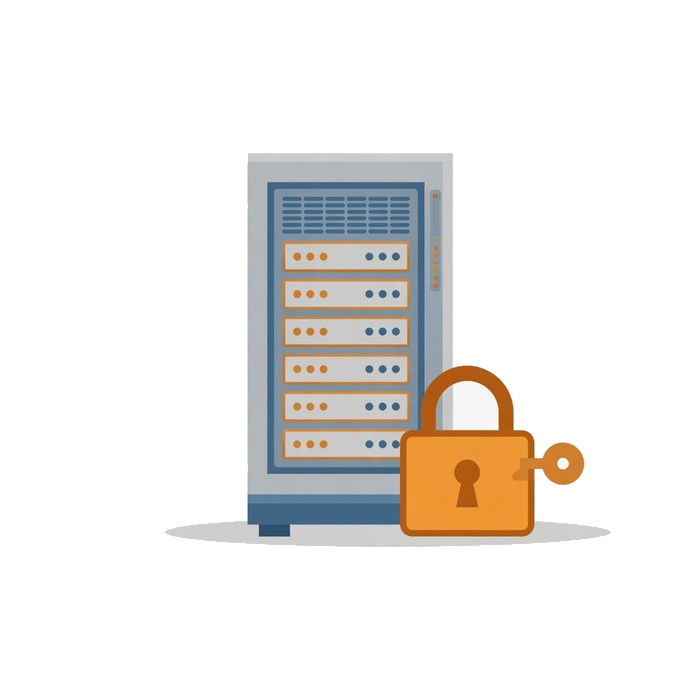
Real Physical Hardware
Nothing Virtual, Nothing Shared
A dedicated server means exactly that — the entire physical machine is yours. No hypervisor, no noisy neighbors competing for the same CPU cycles or disk I/O.
- 100% dedicated, zero virtualization
- 3 tiers, Entry through Performance
- Built on enterprise bare metal
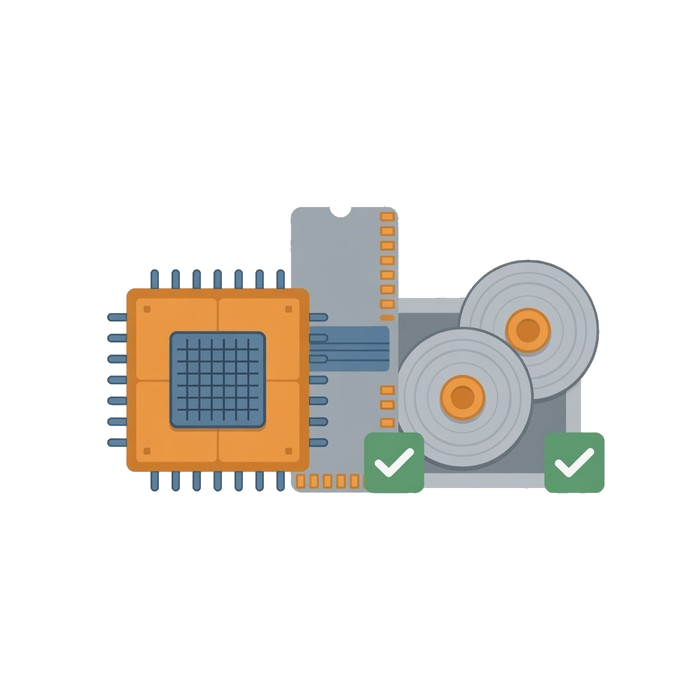
Enterprise Components as Standard
Not an Upsell
Server-class hardware isn't a premium add-on here — it's what every dedicated plan ships with, so you're never paying extra just to get components that should already be standard.
- Server-grade CPUs and ECC memory
- RAID-protected storage
- Real, provider-backed hardware
100% Dedicated Hardware
No virtualization, no sharing — the entire server is exclusively yours.
Enterprise-Grade Components
Server-class CPUs, ECC memory, and RAID-protected storage as standard.
Remote Management
Full IPMI/KVM access for hardware-level control, even when the OS is down.
Why Choose Us?
Nothing Is Shared
The entire physical machine is yours. No other tenant can consume the resources you paid for or affect how your site performs.
Built From Server Parts
Server-class CPUs, ECC memory and redundant storage, rather than desktop components pressed into a rack.
Hands-On When You Need It
Power control and out-of-band console access are yours directly, so recovering from a bad configuration does not mean waiting on somebody else.
FAQs
Have A Question?
If you can't find the answer you are looking for our support is just an email away.
Contact UsHow is this different from a VPS?
A VPS is an isolated slice of a shared machine. A dedicated server is the whole machine — every core, all the memory and all the disk, with nobody else on it whose traffic could affect yours.
What if I lock myself out?
Remote power control and out-of-band console access come with the server, so you can reach it even when the operating system is not cooperating, without raising a ticket first.
Is dedicated hardware worth it for my workload?
It is worth it when you need guaranteed resources, when a noisy neighbour would genuinely hurt you, or when you have compliance or licensing reasons to be alone on the hardware. Below that, a VPS usually serves better for the money.